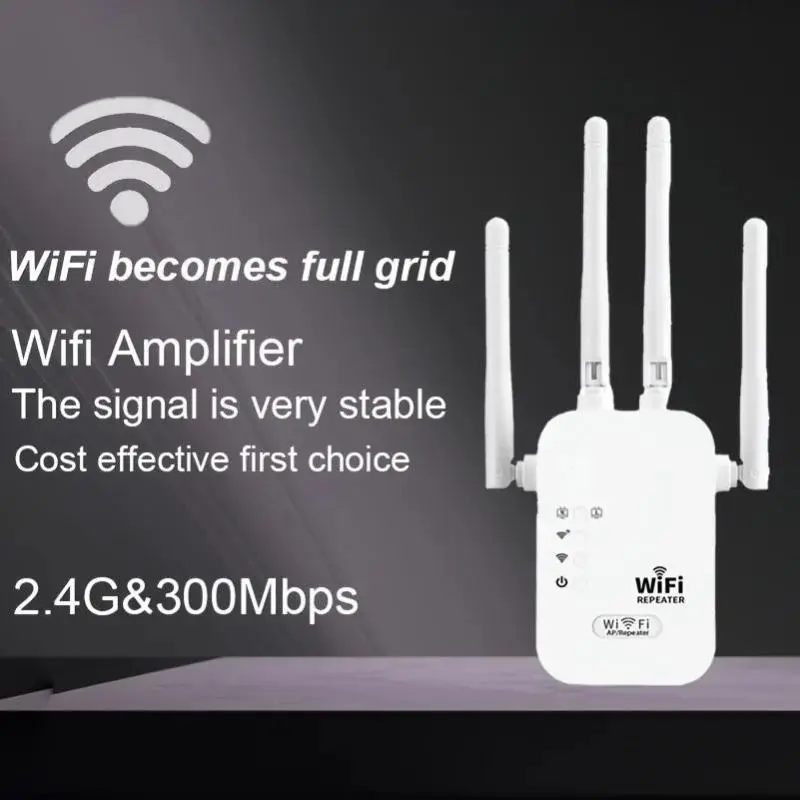
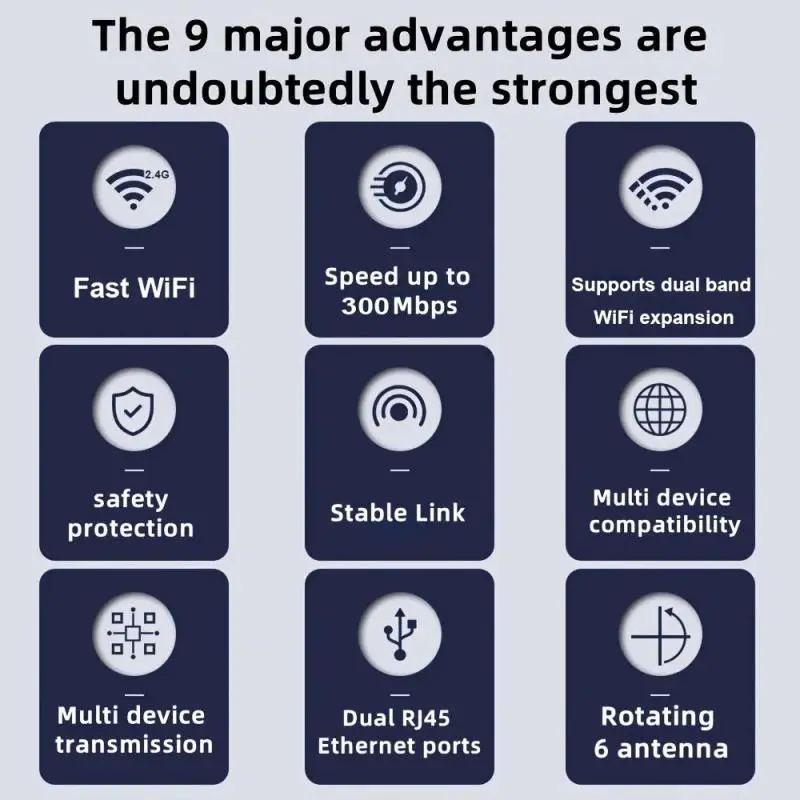
1200Mbps Wireless Wi-Fi Repeater, Wi-Fi Signal Booster, Dual-Band 2.4G/5G Wi-Fi Extender, 802.11ac Gigabit Wi-Fi Amplifier, WPS Router
- Free shippingships from an EU warehouse in 1–2 business days
- Secure card payment · Secure checkout
- 14-day returns
Description
Color: Ancient White, material: ABS, size: 18.5cm * 8.8cm * 5cm 1. Product Overview The WiFi 6 dual-band wireless extender is a signal-boosting device that supports both 2.4 GHz and 5 GHz bands, with a maximum speed of 1200 Mbps. It is specifically designed to address common WiFi issues—such as weak signals, dead zones, and unstable network speeds—in homes, offices, businesses, and other environments. By receiving and amplifying the signal from your existing WiFi router, this extender expands wireless coverage over greater distances, ensuring a stable internet connection in previously hard-to-reach areas such as bedrooms, balconies, bathrooms, and hallways. Utilizing advanced WiFi 6 technology, the extender offers lower latency, greater resistance to interference, and more stable connections for multiple devices. It is highly compatible with mobile phones, computers, televisions, smart home devices, and other wireless terminals. The device features plug-and-play functionality. 2. Preparation Before Installation Before use, please check that the device and its accessories—including the main extender unit and this user manual—are in good condition. Position the extender between your main router and the WiFi dead zone, ensuring that it can reliably receive the signal from the router. Avoid placing the device near metal obstacles, thick walls, microwaves, induction cooktops, cordless phones, or other strong sources of interference, as these can impair signal quality and reduce network speed. WiFi 6 Wireless Extender User Manual 1. Product Overview The WiFi 6 dual-band wireless extender is a signal-boosting device that supports both 2.4 GHz and 5 GHz bands, with a maximum speed of 1200 Mbps. It is specifically designed to address common WiFi issues—such as weak signals, dead zones, and unstable network speeds—in homes, offices, businesses, and other environments. By receiving and amplifying the signal from your existing WiFi router, this extender expands wireless coverage over greater distances, ensuring a stable internet connection in previously hard-to-reach areas, including bedrooms, balconies, bathrooms, and hallways. Utilizing advanced WiFi 6 technology, the extender offers lower latency, greater resistance to interference, and more stable connections for multiple devices. It is highly compatible with a wide range of wireless terminals, such as mobile phones, computers, televisions, and smart home devices. The device features plug-and-play functionality, allowing users to complete the setup quickly without requiring specialized networking knowledge.2. Preparation Before Installation Before use, please check that the device and its accessories—including the main repeater unit and this user manual—are intact. Position the repeater between your main router and the Wi-Fi "dead zone" to ensure it can receive a stable signal from the router. Avoid placing the device near metal obstructions, thick walls, microwaves, induction cooktops, cordless phones, or other strong sources of interference, as these can degrade signal quality and reduce network speed. The installation environment should be dry, well-ventilated, and cool, away from high temperatures or excessive humidity, to prevent damage to the device and ensure stable performance. 3. Two Configuration Methods (1) WPS One-Button Connection (Recommended) Plug the extender into a power outlet near your main router and wait for the indicator light to turn on, signaling that it has entered pairing mode. Within one minute, press the WPS button on your main router. The WPS light will typically begin flashing rapidly. Immediately press the WPS button on the extender and wait for the automatic connection to take place. Once the indicator light remains solid green or blue, the pairing is successful. Unplug the extender and move it to the ideal location for complete signal coverage. This method does not require entering a password and is suitable for users who are not familiar with network settings.(2) Web Management Setup (compatible with all routers) Connect your phone or computer to the extender’s default Wi-Fi network name (printed on the device label). Open a browser and enter the management IP address (typically 192.168.x.x), or scan the QR code provided in the manual. Log in using the default administrator password to access the setup wizard. Select the Wi-Fi network name of your main router and enter the correct Wi-Fi password. Configure the extended...
You may also like
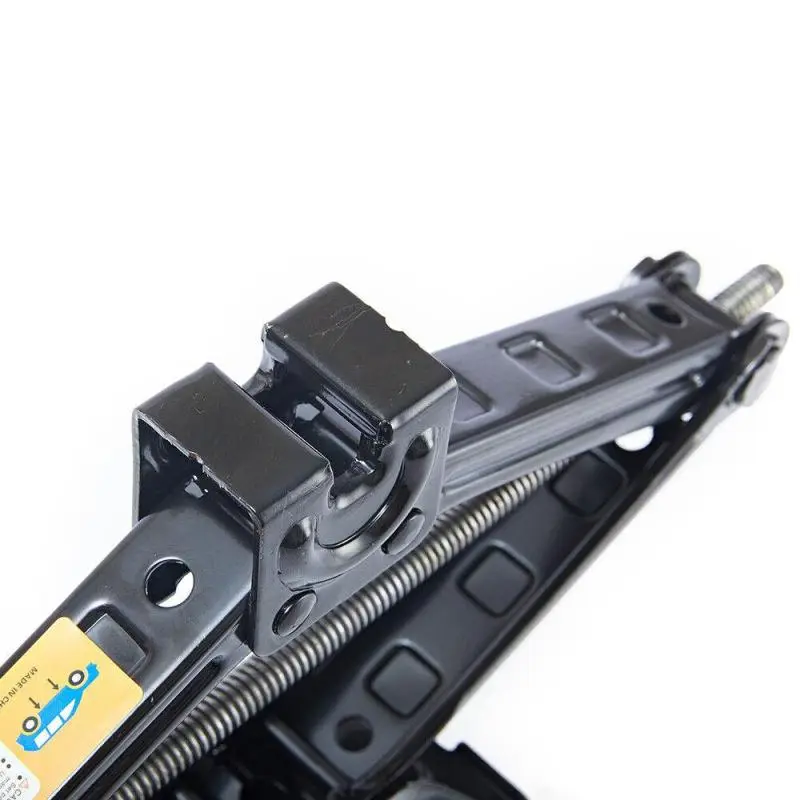
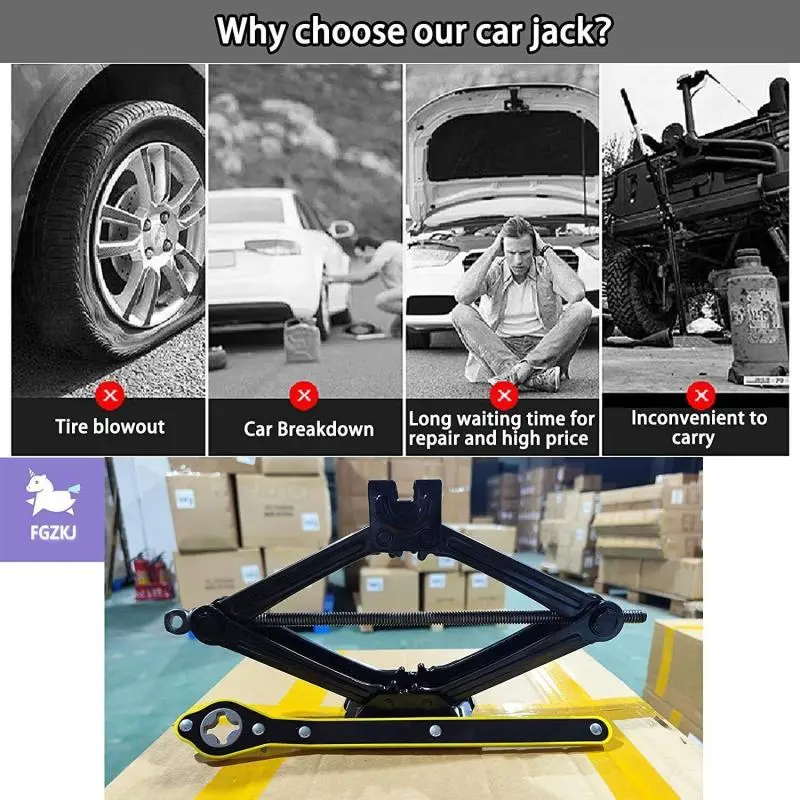
2.5-ton scissor jack + extendable lug wrench, socket wrench, manual tool for car and van tires
€49.90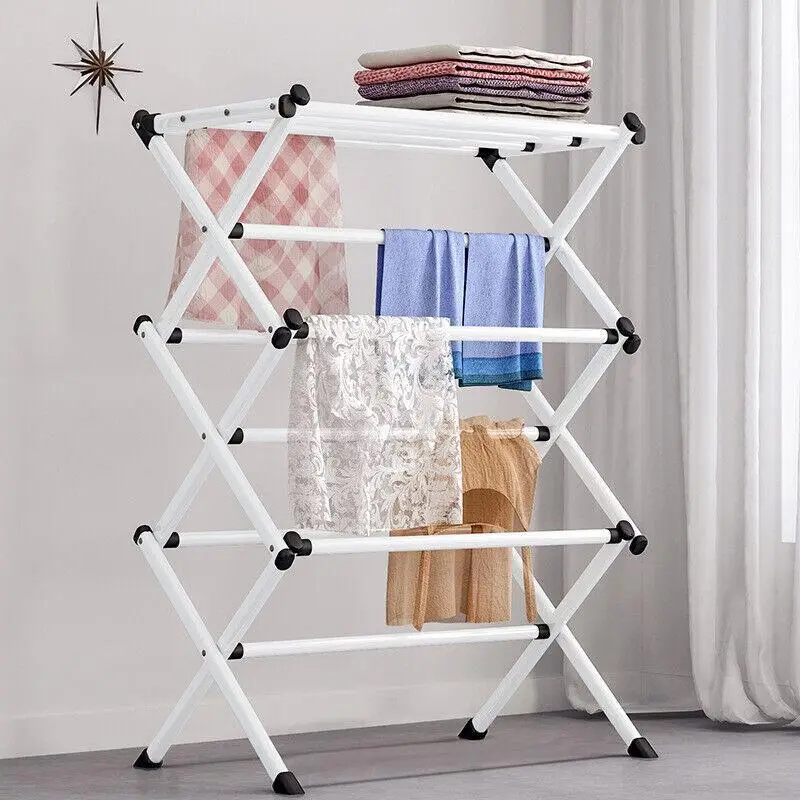
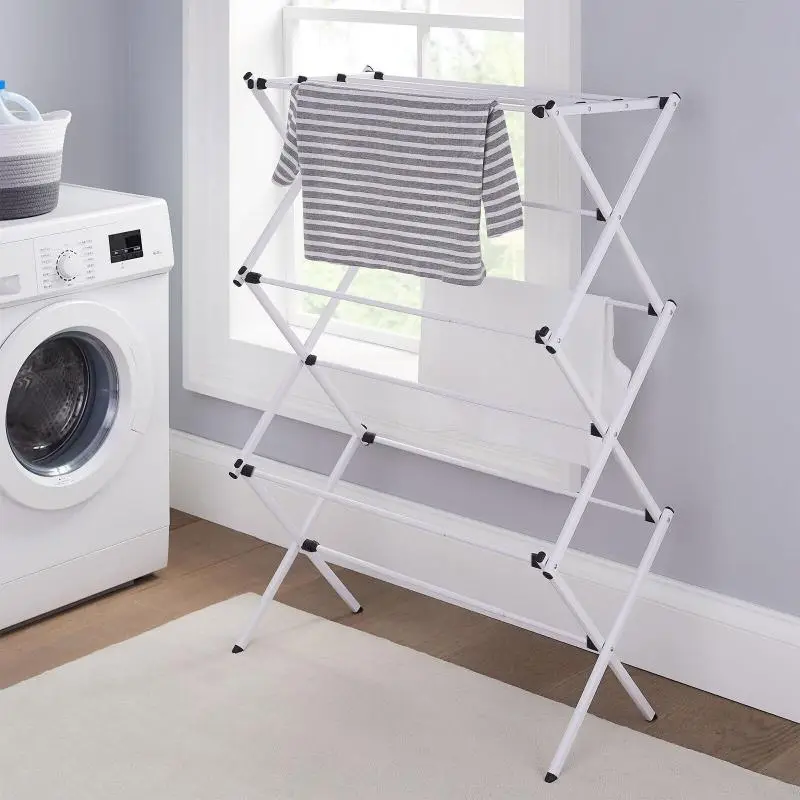
3-tier metal clothes drying rack, horse-style drying rack, for indoor and outdoor use, patio
€49.90
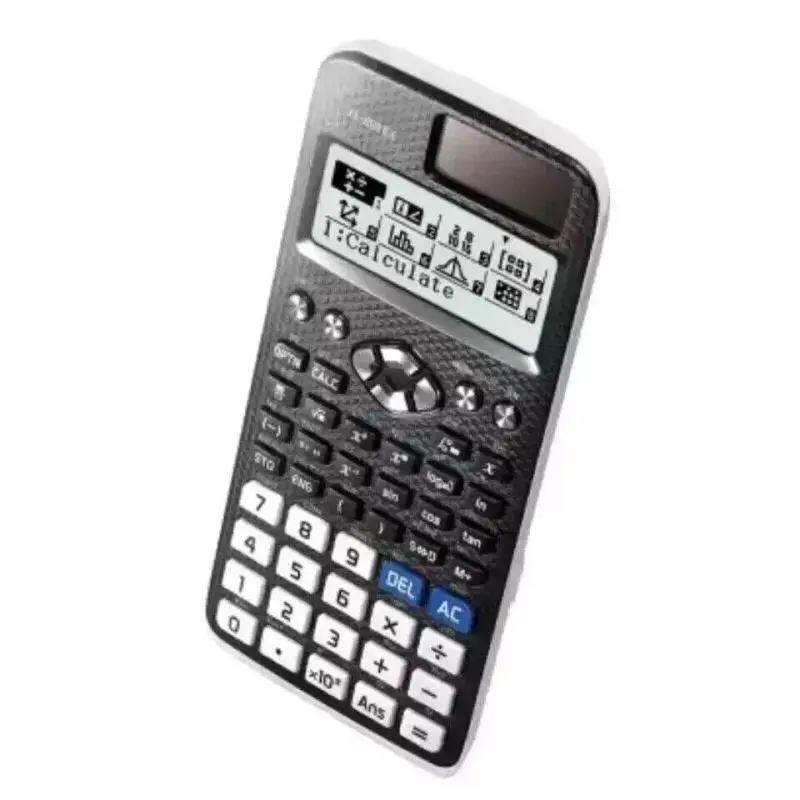
FX-991EX ClassWiz Scientific Calculator for Engineers with 552 Functions
€39.90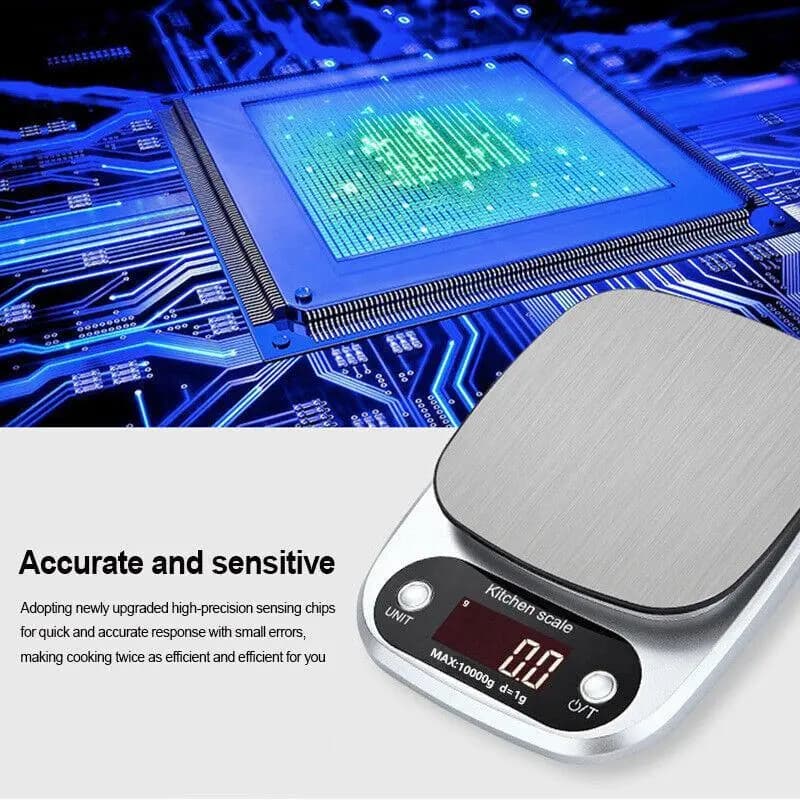
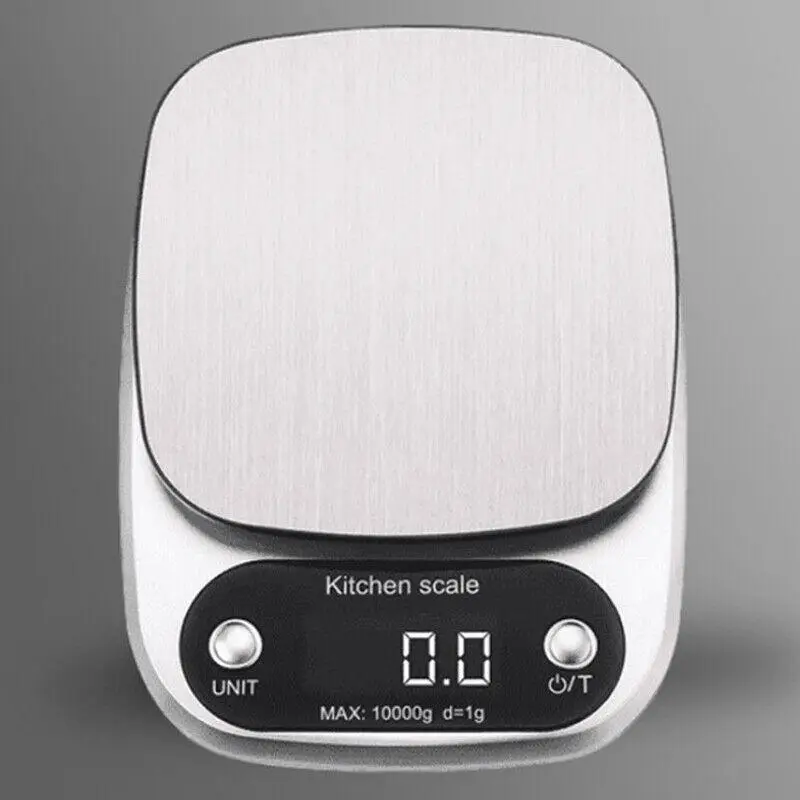
Digital kitchen scale (10 kg) with LCD display, food scale, letter scale, electronic scale C
€34.90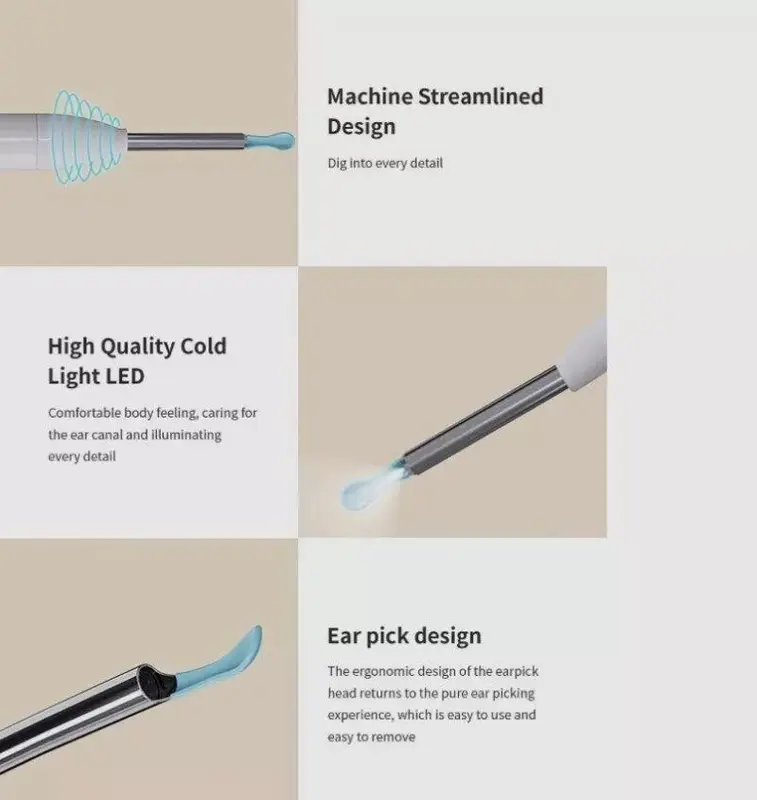
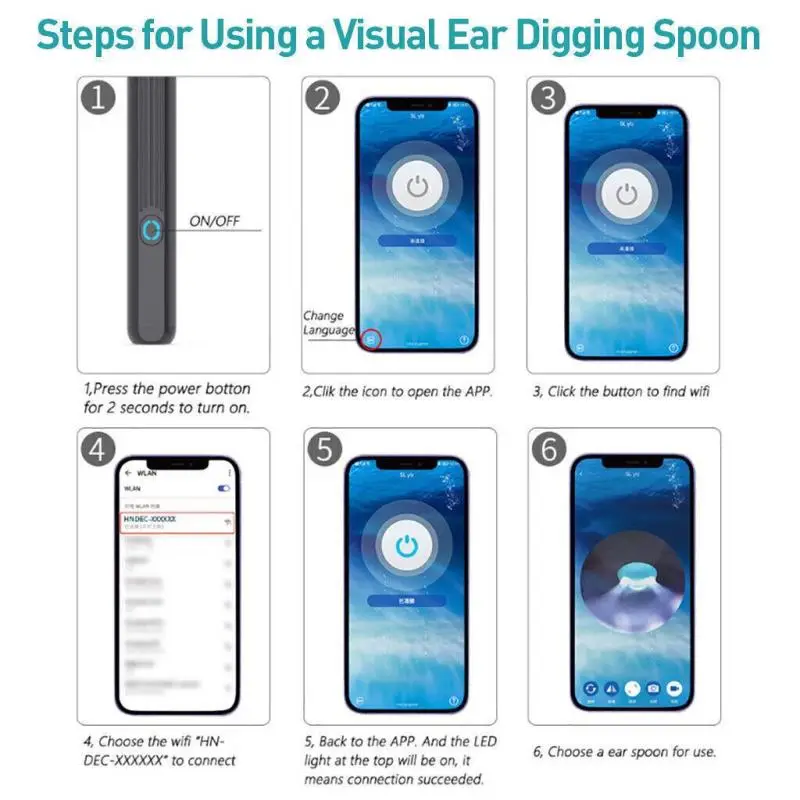
Wireless earwax removal cleaning kit with camera and light (DE)
€34.90

1200W Handheld Steam Cleaner – 450ml Tank for Deep Cleaning Carpets, Curtains, Sofas, and Windows |Chemical-Free, Fast-Heating & Portable for Home & Car Use |High-Pressure Steam for Disinfecting and Removing Stains, Dirt, and Grease
€69.90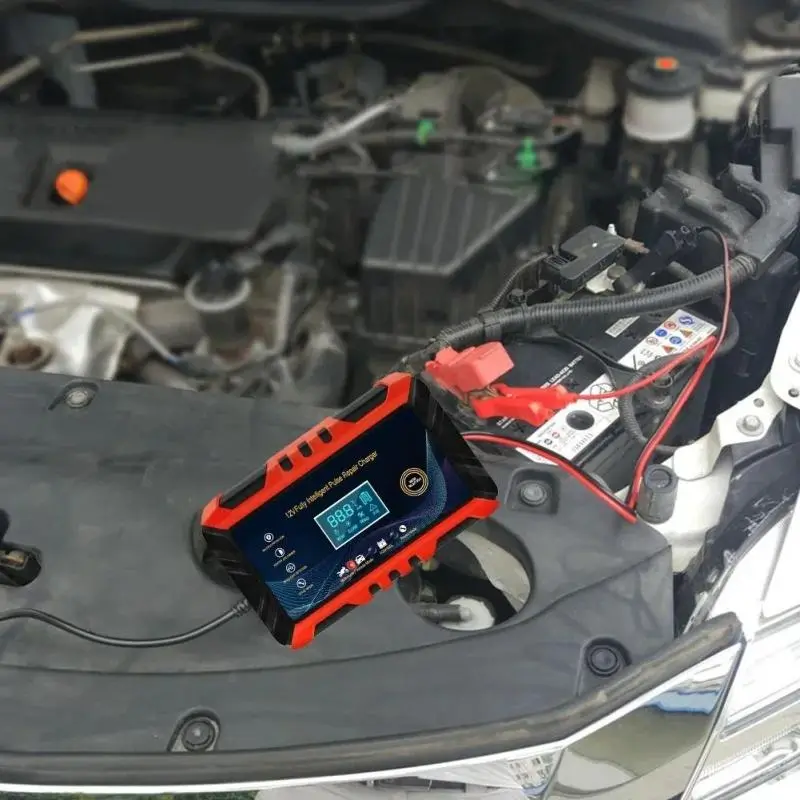
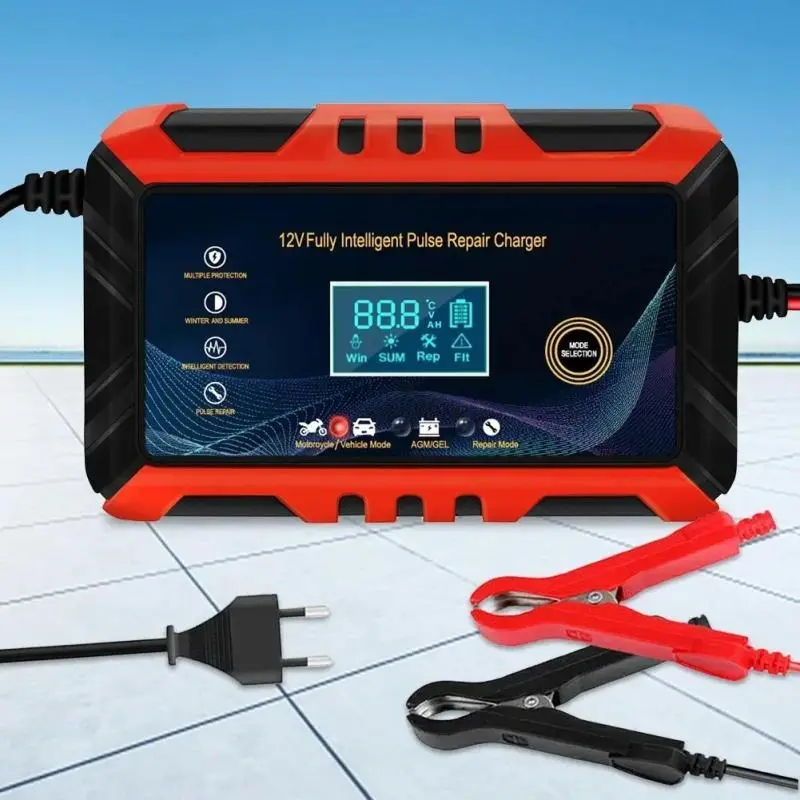
12V 6A Car Battery Charger with Pulse Repair, LCD Display, Smart Automatic Charging for GEL and Lead-Acid Batteries (for Cars and Motorcycles)
€34.90
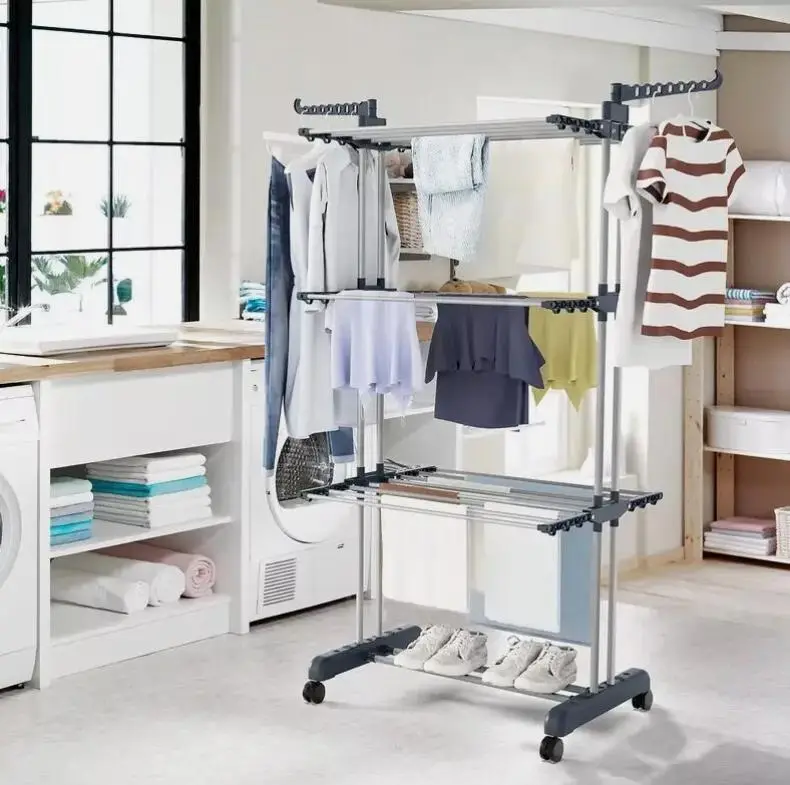
Extra-Large 3-Tier Foldable Indoor/Outdoor Clothes Drying Rack
€44.90
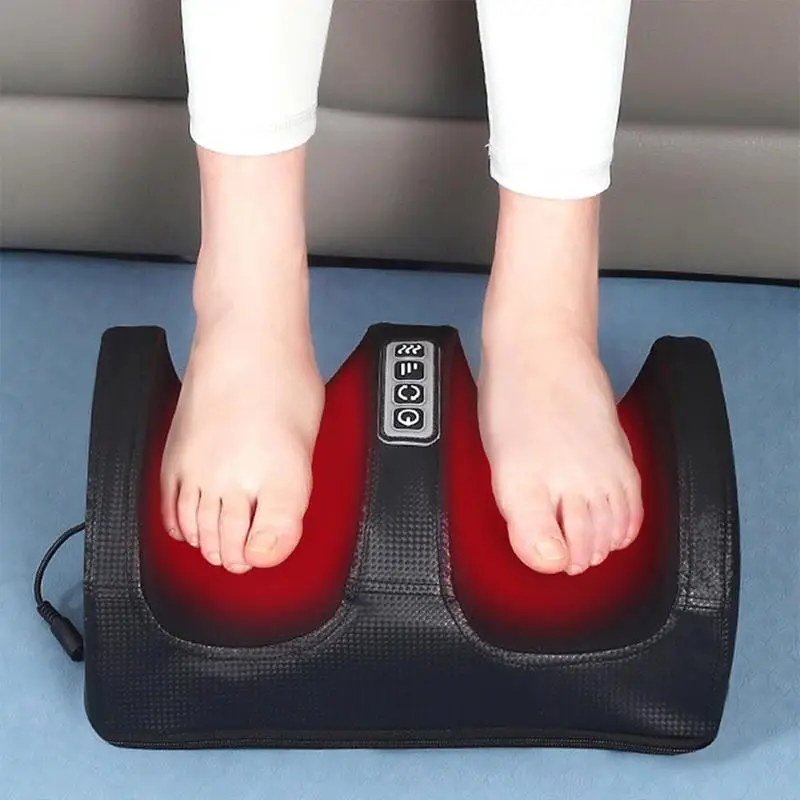
[Relaxing Foot Massager with Heat Function] Foot massager for promoting blood circulation and relaxation – Foot massager with heat function – Gift idea for Father’s Day and Mother’s Day
€59.90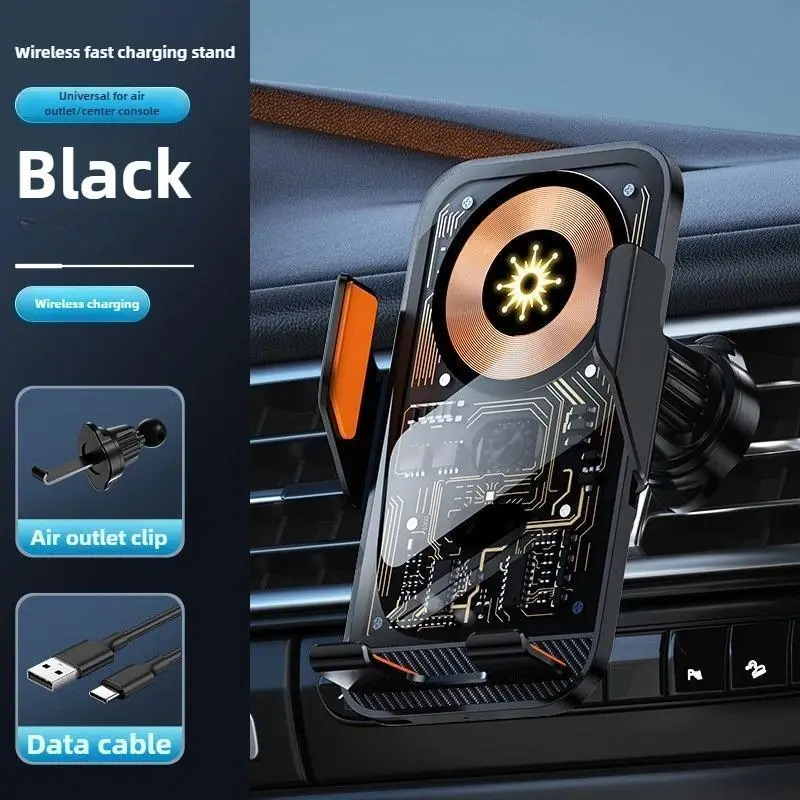
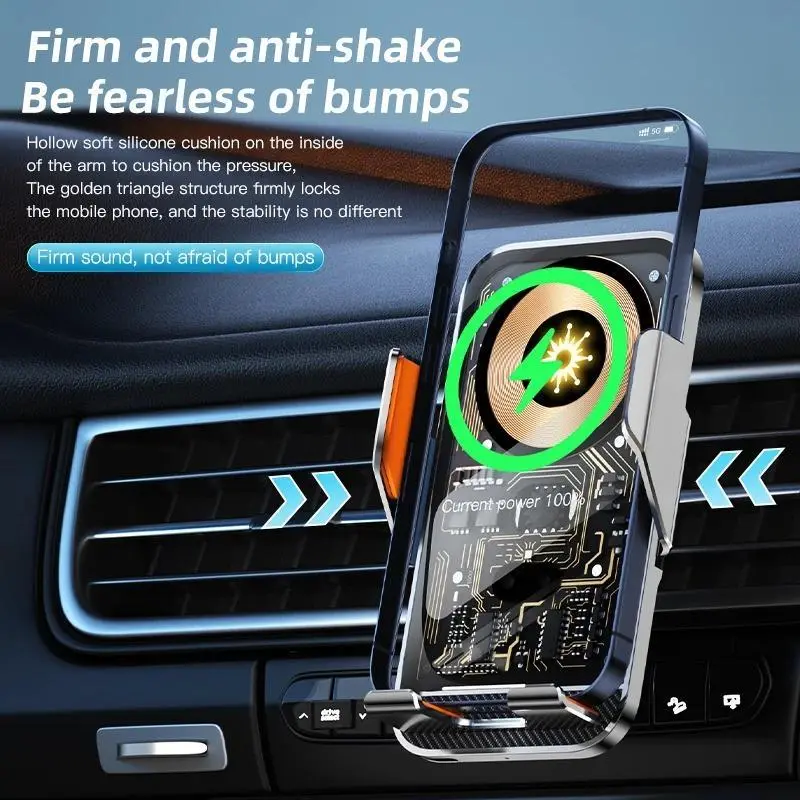
Universal Car Mount with Wireless Charging for Mobile Phones, Transparent Air Vent Mount for Vehicle Navigation and Smartphones
€39.90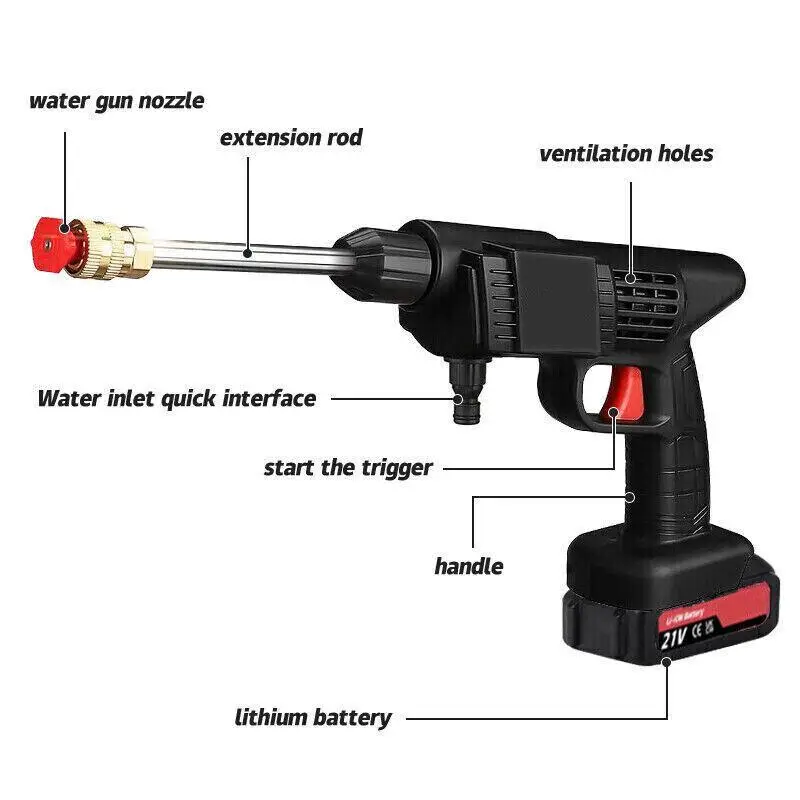
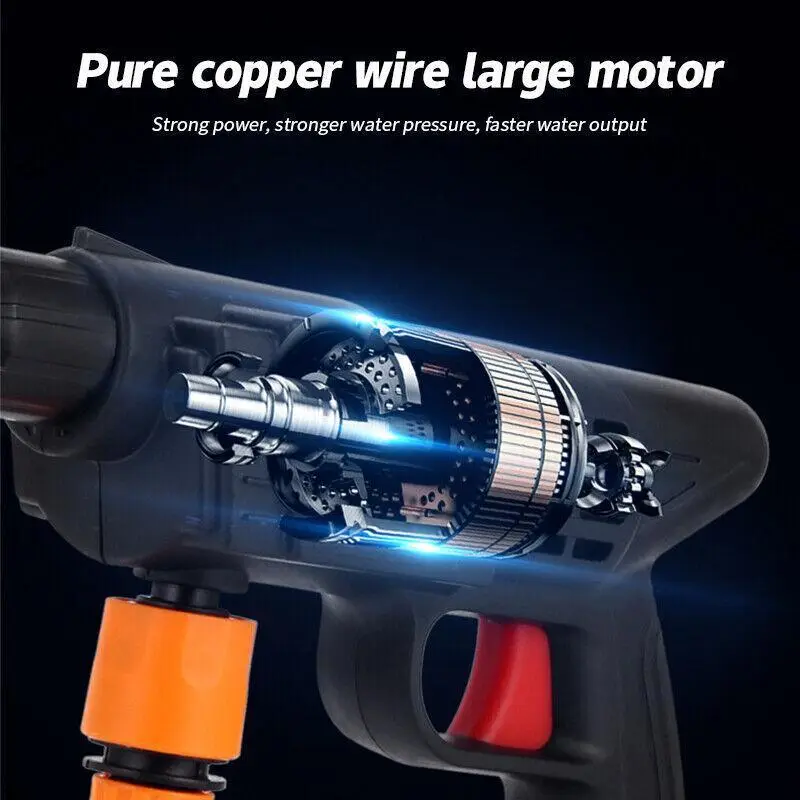
2 batteries, portable, cordless high-pressure car washer with jet water spray gun 1
€59.90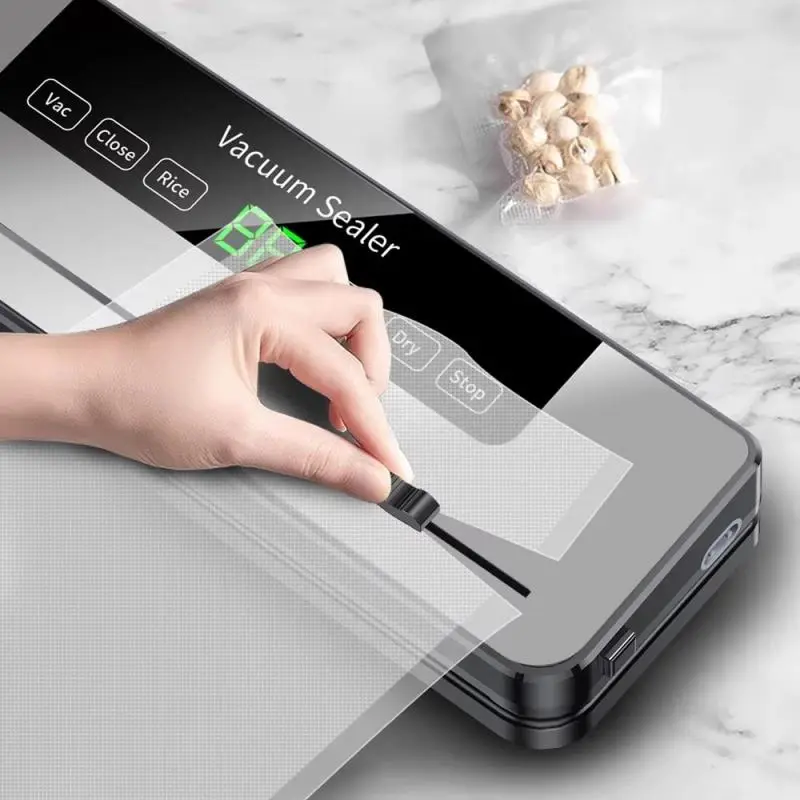
Electric vacuum sealing machine, built-in cutter, kitchen food storage, touch-operated, dry/moist food sealing, vacuum packaging machine
€44.90